SQL Server
SQL Server Driver
Use the SQL Server driver when you want T-SQL querying, schema browsing, and DBeagle’s shared results workflow against Microsoft SQL Server.
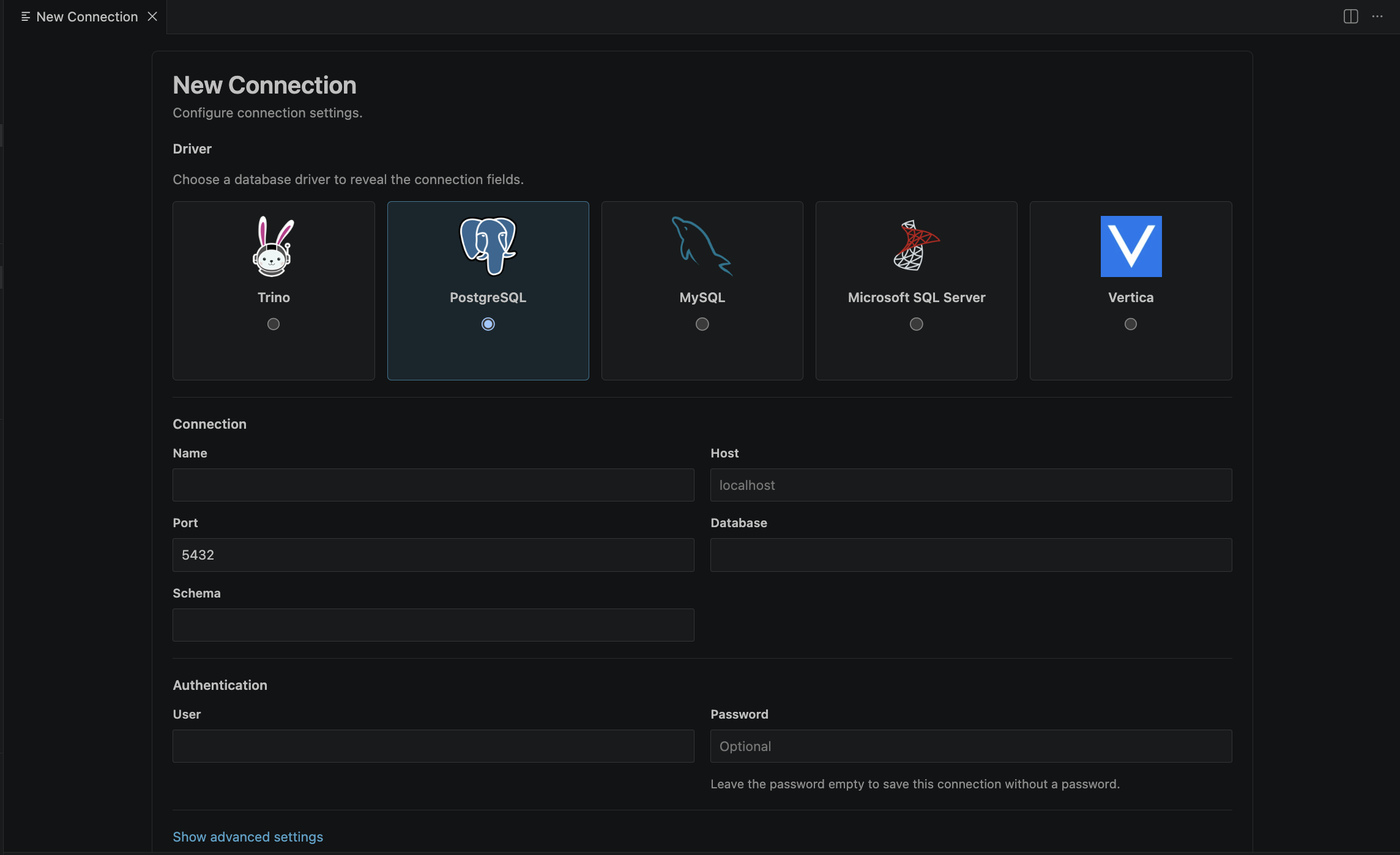
Default connection fields
| Field | Default | Description |
|---|---|---|
| Host | Required | SQL Server host |
| Port | 1433 | Standard SQL Server port |
| Database | Optional but recommended | Default database |
| Schema | Optional | Default schema, commonly dbo |
| User | Optional | SQL Server user name |
| Password | Optional | Stored in VS Code SecretStorage |
| Use encrypted / TLS connection | false | Turn on when required by your server |
| Trust server certificate | false | Development fallback for untrusted TLS chains |
| Max pooled connections | Driver default | Optional pool cap |
| Timeout | Inherits global default | Per-connection timeout override in seconds |
Recommended setup
- Set the default database and schema so table preview and autocomplete open in the right place.
- Turn on TLS for normal secured environments.
- Only turn on
Trust server certificatewhen you explicitly trust the endpoint but cannot validate its certificate chain locally.
How SQL Server appears in DBeagle
SQL Server maps neatly into the shared DBeagle metadata model:
- database
- schema
- table or view
- column
Notes
- DBeagle supports SQL Server-specific preview syntax under the hood.
- You can work in
mssql,tsql, or genericsqleditors.