Vertica
Vertica Driver
Use the Vertica driver when you want DBeagle’s exploration workflow against a Vertica warehouse.
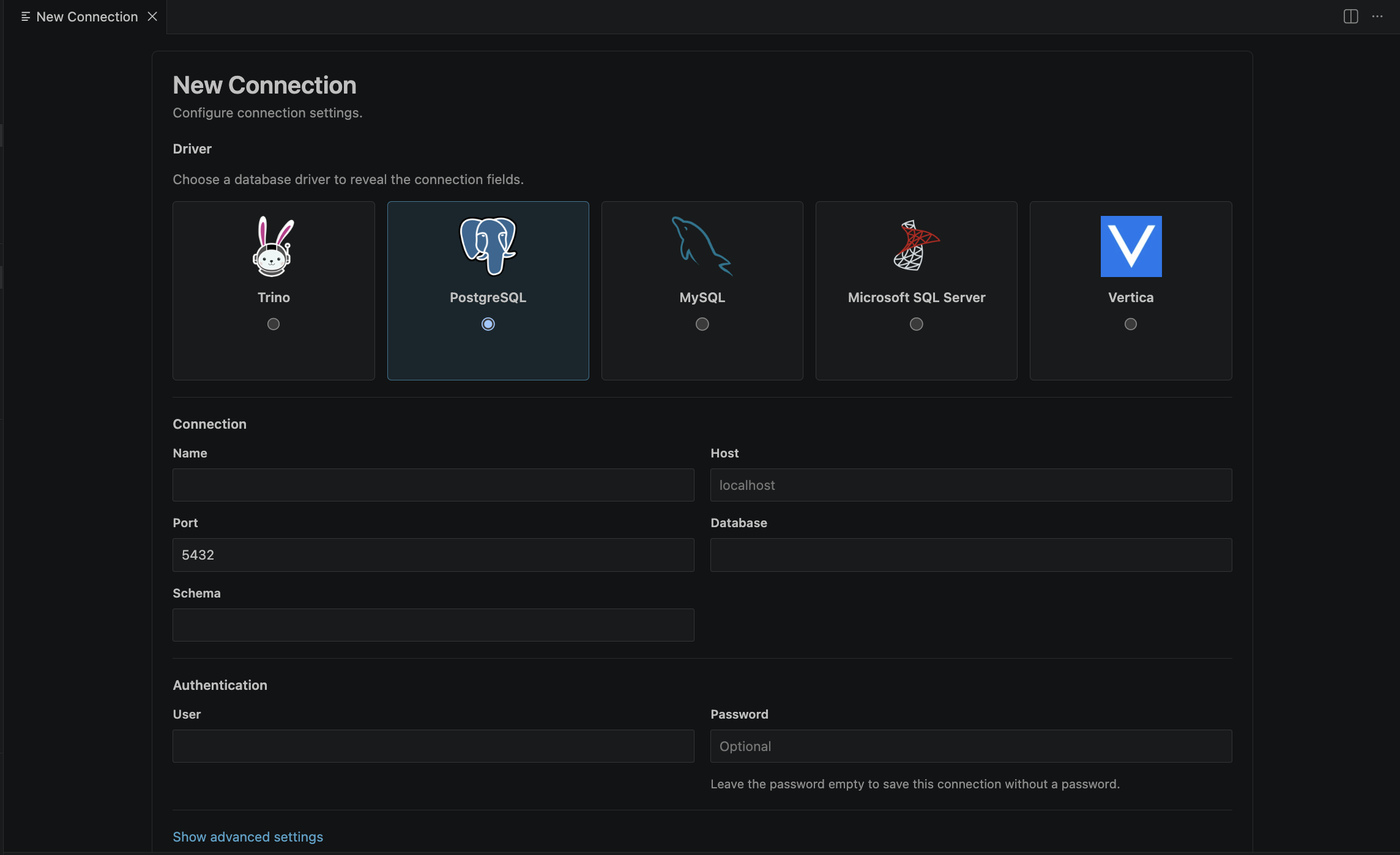
Default connection fields
| Field | Default | Description |
|---|---|---|
| Host | Required | Vertica host |
| Port | 5433 | Standard Vertica port |
| Database | Optional but recommended | Default database |
| Schema | Optional | Default schema |
| User | Optional | Vertica user name |
| Password | Optional | Stored in VS Code SecretStorage |
| SSL / TLS | false | Turn on when your cluster requires it |
| Verify server certificate | true | Keep enabled for trusted production use |
| Max pooled connections | Driver default | Optional pool cap |
| Timeout | Inherits global default | Per-connection timeout override in seconds |
Recommended setup
- Set the default database and schema to match your usual working context.
- Keep certificate verification on for normal production environments.
- Use active schema selection if you want the tree and autocomplete to stay focused on a smaller subset.
Notes
- Vertica follows a database and schema hierarchy that fits DBeagle’s shared tree model well.
- DBeagle applies the configured schema context for browsing and query execution.
- Generic SQL editors work well with Vertica in DBeagle.