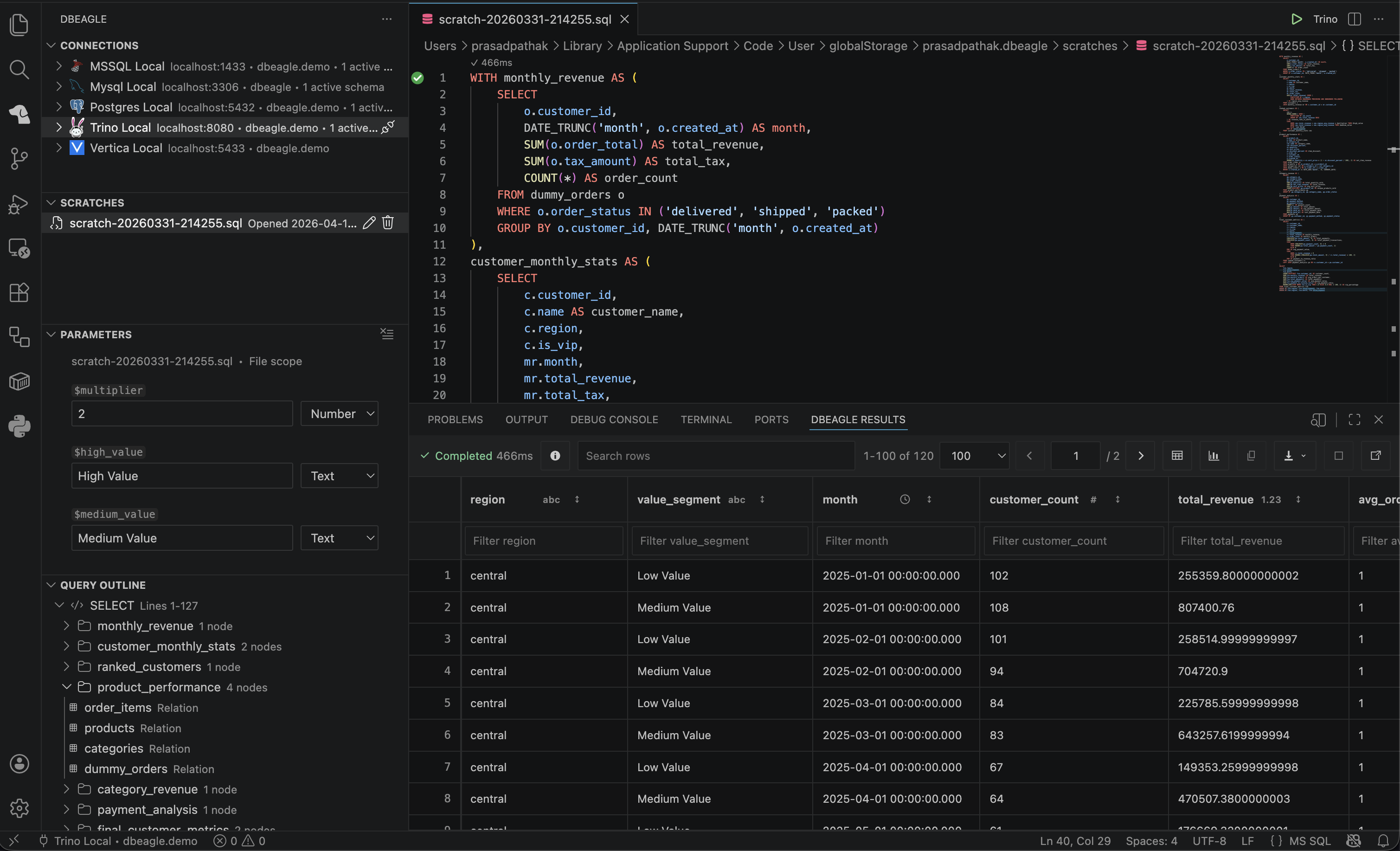
Autocomplete
Autocomplete
DBeagle provides context-aware SQL autocomplete powered by its parser plus live metadata from the active connection.
Where it works
Autocomplete is available in:
sqltrinopostgresmysqlmssqltsql
If you are in a generic sql file, DBeagle uses the active connection to decide which SQL dialect to favor.
How to trigger it
- Automatically while typing in common SQL contexts
- Manually with VS Code’s normal completion shortcut,
Ctrl+Space
What DBeagle suggests
Depending on context, DBeagle can suggest:
- Keywords
- Functions
- Catalogs
- Schemas
- Tables and views
- Columns
Context awareness
DBeagle tries to narrow suggestions based on where your cursor is:
- After
FROMorJOIN, it favors relations - After
SELECT,WHERE, andON, it can favor columns - After
., it can narrow suggestions to children of the qualifier - In alias-heavy queries, it tracks the relations already present in the statement
Metadata scope
Autocomplete respects the active connection and any selected schema scope. If you use Select Active Schemas, autocomplete narrows with it.
Refreshing metadata
If suggestions look stale, run Refresh Schema from the Connections view.
Completion details
When metadata is available, completion items can include useful details such as the relation name and column type.