Query Outline
Query Outline
The Query Outline view shows the structure of the active SQL editor.
What it can show
Depending on the SQL, DBeagle can surface:
- Top-level statements
- Common table expressions
- Relation references such as tables and views
How it updates
The outline follows the active SQL editor and refreshes as you type.
If DBeagle cannot build an outline for the current file yet, the view falls back to a clear empty or unavailable state instead of showing stale information.
Navigation
Click any outline item to reveal that location in the editor.
This is especially useful for:
- Long multi-CTE queries
- Large files with several statements
- Join-heavy exploration work
Supported editors
The outline follows the same shipped SQL language support as the rest of DBeagle’s editor tooling.
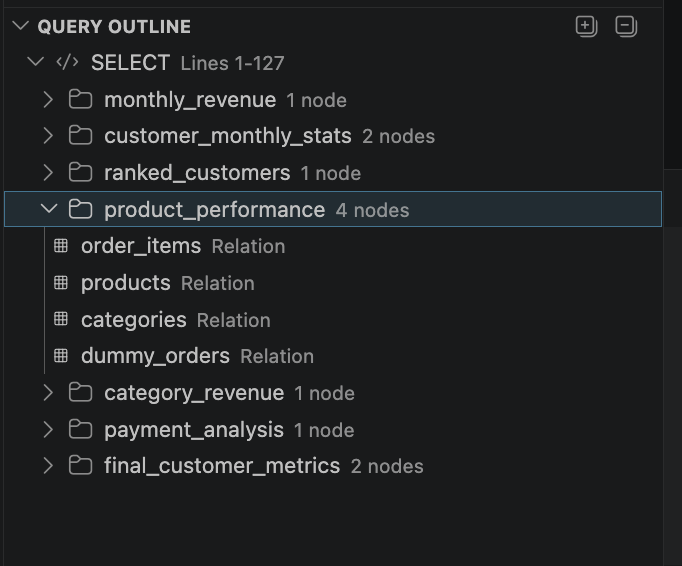
The Query Outline view tracking the structure of the active SQL file.